Can I Use Photos From WhatsApp or Social Media, or Do They Need to Be High-Resolution Originals?
You can. Should you, if the original exists? Use the camera roll. Compressed files fog up on a full page.
Technically, sure, you can use them. Should you, if you have a choice? Probably not. Apps like WhatsApp and Instagram quietly compress your photos before sending or posting, quietly stripping out detail to save data, and once that detail's gone, it's gone for good.
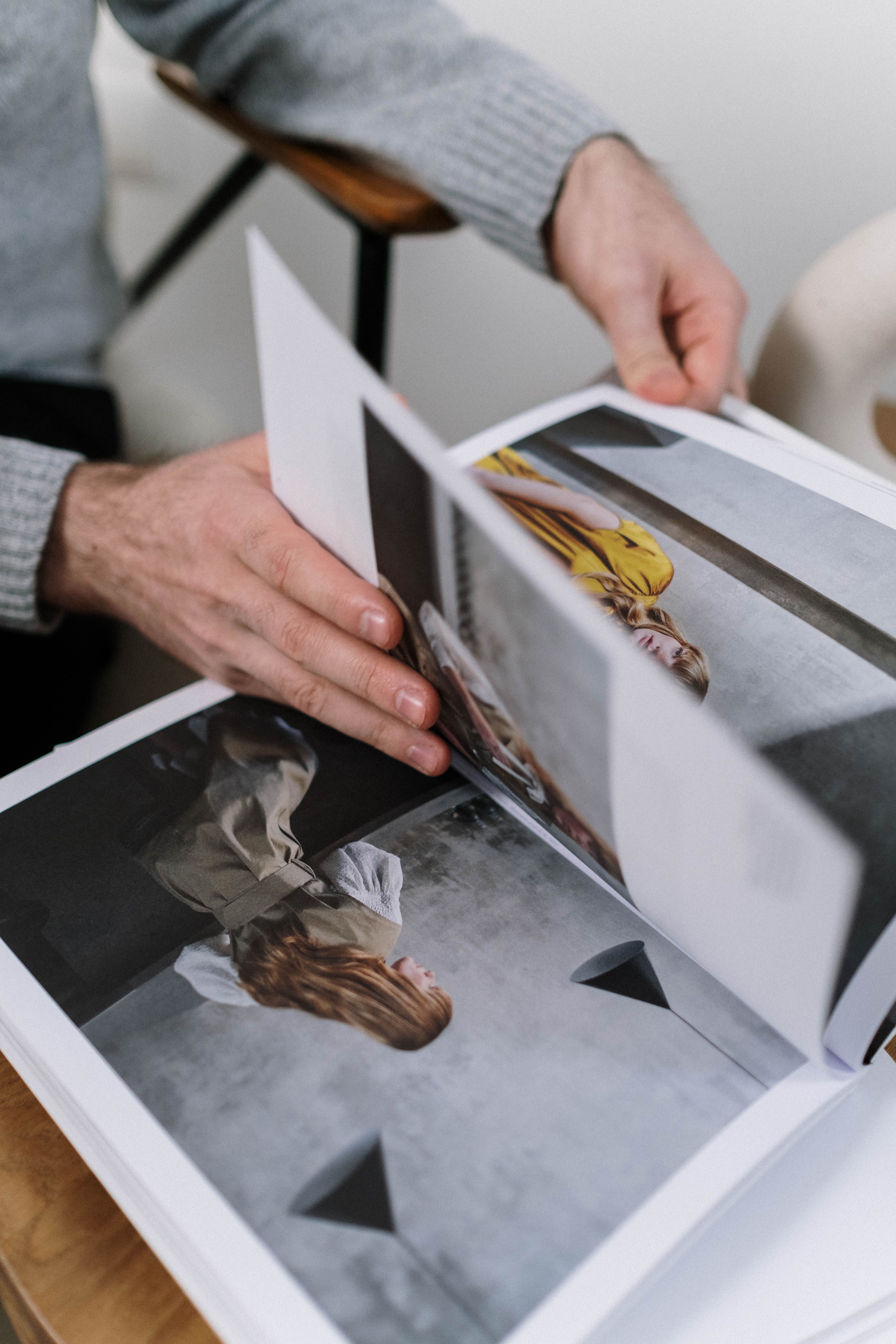
It's barely noticeable on a tiny thumbnail on your phone, but blow that same photo up to a full photobook page and suddenly it looks like it's wearing a light layer of fog. Not a great look for your favorite memory, and it defeats the purpose of investing in good photo printing in the first place.
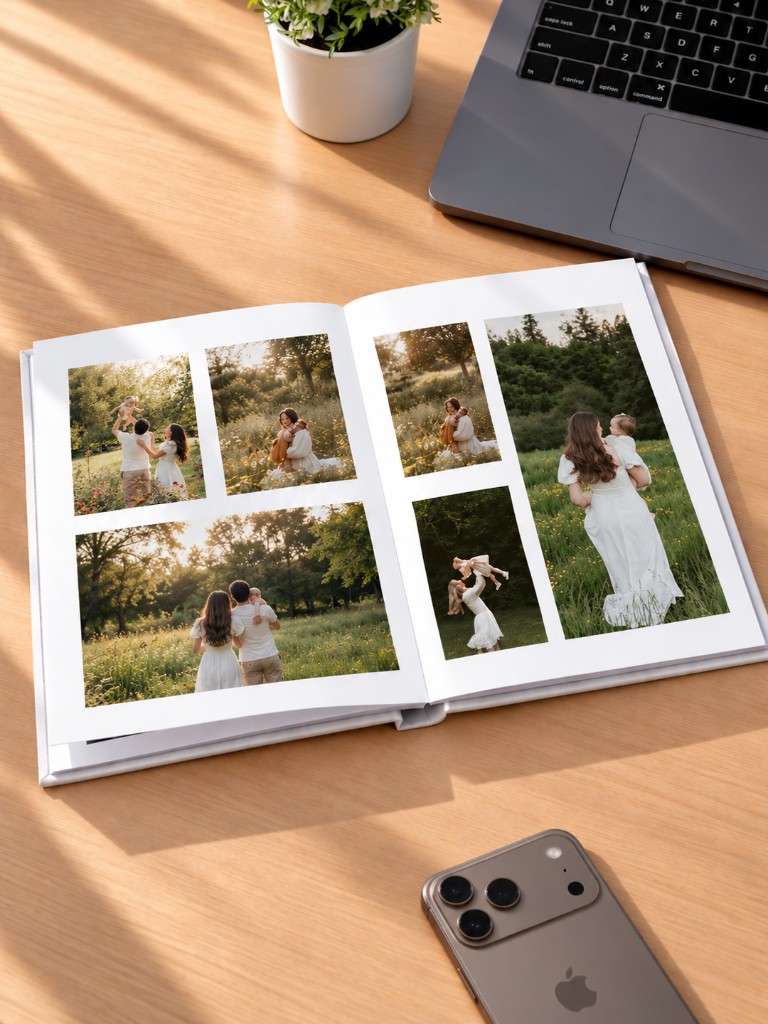
Whenever you can, go back to the original, your camera roll or cloud backup, rather than a version that's been forwarded, downloaded, and re-shared a few times over. Each hop through an app chips away a little more quality.
If the original genuinely doesn't exist anymore, don't panic, smaller print sizes hide compression pretty well. Quick gut check either way: zoom in on your screen first. Blurry there means blurry on the page too, so it might be worth hunting down a better version before it goes to print — or asking your photo book maker for advice. Whenever you're unsure about a photo's quality, Pixelgram lets you flag it during design so you can swap it out before your photobook goes to print.
Ready to turn your photos into a photobook?
Create your book