Why Do Printed Colours Look Different From My Screen?
Screens glow. Pages reflect. A little shift is physics, not a bad print — and calibration keeps it natural.
Screens glow, pages don't, that's basically the whole answer in one sentence. Your phone lights up pixels to make color, while a printed page just reflects whatever light's in the room using ink. Two totally different systems, so a perfect match was never really on the table.
It gets messier too, since every screen is calibrated differently. That vivid sunset photo might look punchy on your phone and slightly duller on your laptop, and neither of those is even the "true" version, they're both just interpretations.

Good photobook printers do their best to close that gap, calibrating their equipment carefully so colors come out looking natural and consistent rather than trying to exactly clone one specific screen's version of the truth.
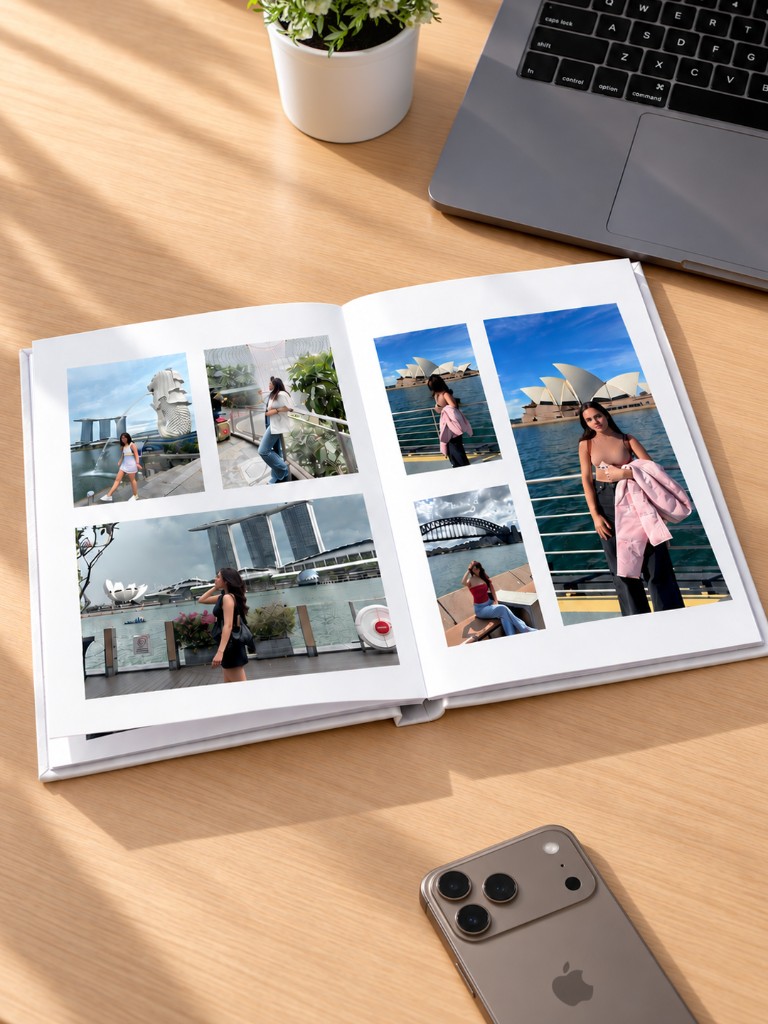
So a little color shift between screen and printed page isn't a mistake or a bad print job, it's just physics doing its thing — how photo printing works. Light-based color and ink-based color were never going to be identical twins. Pixelgram calibrates its printing carefully for exactly this reason, so the colours in your finished photobook look natural and consistent, not like a rough guess at what was on your screen.
Ready to turn your photos into a photobook?
Create your book